
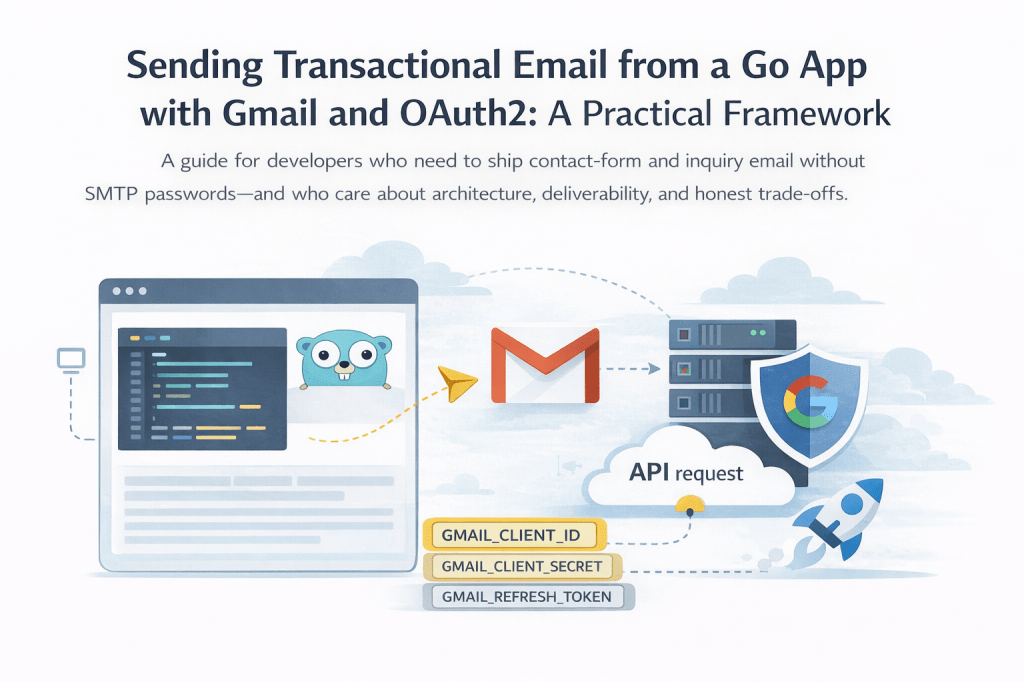
A guide for developers who need to ship contact-form and inquiry email without SMTP passwords—and who care about architecture, deliverability, and honest trade-offs.
Why this guide exists
Many small and mid-size products still send “someone filled out the form” email through a third-party provider, a legacy microservice, or—increasingly—Gmail. Google explicitly discourages “app passwords” for integrations and pushes you toward OAuth2 and the Gmail API. At the same time, stakeholders often want:
- No shared mailbox passwords in config files
- One deployable they can reason about (not three tiny services)
- Email that actually lands in the inbox, not spam
- A path to hand off to another maintainer without rewriting everything
This article outlines a framework distilled from shipping the same patterns on a production Go service: pluggable mailers (SendGrid vs Gmail), OAuth2 with a refresh token, a one-time token helper, and lessons learned on deliverability.
If you are facing similar constraints, you can treat this as a checklist and adapt the pieces—not copy-paste a single “right” stack.
The constraints (name them early)
Before choosing tools, write down your non-negotiables. Ours looked like this:
| Constraint | Implication |
|---|---|
| Client insists on OAuth, not basic SMTP auth | Gmail API (or SMTP with XOAUTH2), not username/password |
| A standalone inquiry/email microservice was retired | Email logic was consolidated in the main application |
| SendGrid may remain as a fallback or for other mail | Need a single interface (SendMail-style) with two implementations |
| Secrets must not land in git | token.json, API keys, refresh tokens → env / secret manager + .gitignore |
| Forms are JSON POSTs from the same origin | Handler reads body once, validates, sends mail, returns 204 or clear errors |
Naming constraints upfront saves you from halfway implementing SMTP + App Passwords and having security push back.
Architecture: one interface, two backends
A small mailer package with an interface keeps the HTTP handlers dumb and testable:
Senderinterface: one method, e.g.Send(SendParams) errorSendParams: From, To, optional Reply-To, BCC, subject, plain body- Implementations
- SendGrid (or Postmark, SES, etc.): good default for transactional mail and domain authentication
- Gmail:
google.golang.org/api/gmail/v1+golang.org/x/oauth2
Switch backends with an environment variable, e.g. MAILER=gmail vs MAILER=sendgrid (or default to SendGrid when unset).
Google Cloud and Gmail API: the minimum viable setup
1. Create (or reuse) a Google Cloud project
Use the Google account that will send mail (or a dedicated Google Workspace / Gmail account your org controls).
2. Enable the Gmail API
In APIs & Services → Library, enable Gmail API.
3. OAuth consent screen
Configure the OAuth consent screen (internal vs external depends on your org). For a server that only uses a single workspace account, you still need a proper client and scopes.
4. OAuth client credentials
Create an OAuth client ID. For a one-time refresh-token flow, a Desktop app client type is often the simplest: you run a small CLI locally, complete the browser consent once, and store the refresh token securely.
5. Scope for sending only
Use the narrowest scope you need. For “send on behalf of the authenticated user,” https://www.googleapis.com/auth/gmail.send is appropriate.
6. Refresh token in production
The long-lived secret is the refresh token, not the client secret alone. Store it as:
- Environment variable (e.g.
GMAIL_REFRESH_TOKEN) in your platform, or - A secret manager (AWS Secrets Manager, GCP Secret Manager, etc.)
Never commit token.json or similar to git. Add it to .gitignore and document the one-time CLI for generating it.
One-time OAuth helper (developer ergonomics)
Google’s quickstarts are a good reference; in practice teams wrap a tiny program that:
- Reads
GMAIL_CLIENT_IDandGMAIL_CLIENT_SECRETfrom the environment - Builds an auth URL with
access_type=offlineandprompt=consent(so you get a refresh token) - Accepts the authorization code from stdin
- Exchanges it and prints only the refresh token (and optionally writes
token.jsonlocally—still gitignored)
Run it once per environment (or when rotating credentials), not on every deploy.
Sending mail in Go (Gmail API)
High-level steps:
- Build an
oauth2.Configwith your client ID, secret, Google’s token endpoint, and redirect URL (e.g. out-of-band for desktop-style flows). - Create an
oauth2.Tokenwith only the refresh token set; useConfig.Client(ctx, token)so the library refreshes access tokens automatically. - Construct a Gmail service with
gmail.NewService(ctx, option.WithHTTPClient(httpClient)). - Build a RFC 2822 plain-text message (From, To, Reply-To, Bcc, Subject, body), base64url-encode it (no padding, per Gmail’s expectations), and call
Users.Messages.Send("me", &gmail.Message{Raw: encoded}).
Your HTTP handlers should only assemble SendParams (sanitized fields, consistent copy) and call sender.Send.
Wiring the same mailer to multiple forms
Real sites often have:
- A product inquiry JSON payload (many optional fields)
- A contact form (name, email, subject, message)
Use the same Sender and similar envelope (From name, To, BCC, Reply-To = visitor’s email) for both. Duplicate the email body template only where the fields differ—avoid two entirely different pipelines unless you must.
Deliverability: what actually moved the needle for us
OAuth and correct headers are necessary; they are not always sufficient. After we switched to a recognizable From name, Reply-To to the submitter, and a structured, human-readable body (short intro, labeled fields, footer with site URL), messages stopped being filed as spam in tests.
Practical tips:
- Avoid vague From names like “Auto Email.”
- Prefer transactional copy (“You received a new inquiry…”) over a raw key-value dump with many empty lines.
- Ask recipients to mark “not spam” once if testing on a new sender.
- For mission-critical transactional mail at scale, many teams still use a dedicated provider + verified domain (SPF/DKIM). Gmail can work well; know your volume and risk tolerance.
Configuration cheat sheet (for runbooks)
Document something like this for ops and future you:
| Variable | Purpose |
|---|---|
MAILER | gmail or sendgrid (or default) |
GMAIL_CLIENT_ID / GMAIL_CLIENT_SECRET / GMAIL_REFRESH_TOKEN | Gmail OAuth |
SENDGRID_API_KEY | SendGrid (when MAILER=sendgrid) |
MAIL_FROM_EMAIL / MAIL_FROM_NAME | Envelope |
MAIL_TO_EMAIL | Primary inbox |
MAIL_BCC_EMAIL | Optional BCC (e.g. internal visibility) |
SENDGRID_DRY_RUN | Optional: log without sending (useful in dev) |
Keep secrets out of Dockerfiles and manifests in version control; inject at deploy time.
What we intentionally did not do
- We did not rely on “less secure apps” or shared passwords.
- We did not keep a long-lived separate microservice solely for email after consolidation—logic lived in the main app behind the same interface.
- We did not treat “works in Postman” as done without checking browser CORS and OPTIONS on inquiry endpoints if the frontend is on another origin during development.
Closing thought
Integrating Gmail for transactional email is straightforward once OAuth and scopes are demystified. The part that generalizes to other teams is the shape of the solution: narrow scopes, refresh tokens as secrets, a pluggable mailer, one-time developer tooling, and honest notes on deliverability.
If you are implementing something similar, start from constraints, then interface + two implementations, then secrets and runbooks—not from “which SMTP library first.”
 Ayush Raj
Leave a comment