
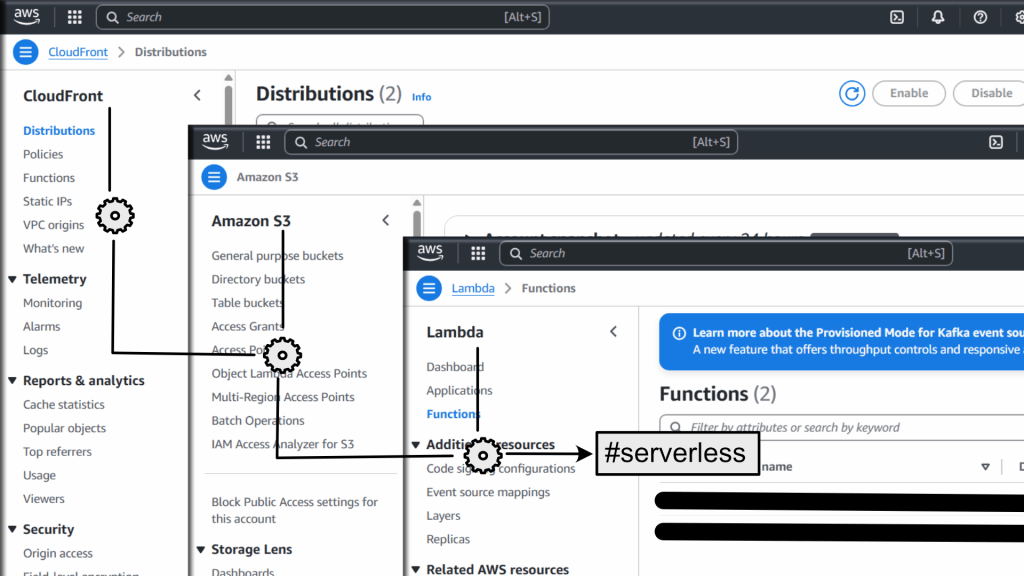
A Practical Guide for Debugging Unknown AWS Web Application Architectures
When you’re handed an unfamiliar project without documentation or source code, and asked to “make a small change,” it can feel like solving a mystery. Recently, I faced exactly this challenge. I was tasked with updating the navigation menu on a client’s website — only to discover that things were far more complicated under the hood.
This is the story of how we unraveled the hosting setup step-by-step, and the lessons we learned along the way.
Step 1: Initial Observations
The client’s website was loading correctly from a public browser. The admin panel was accessible, and it appeared to be a standard Drupal site.
However, when inspecting the front-end, I immediately noticed:
- The HTML structure and classes didn’t match typical Drupal theming.
- Menu items weren’t matching Drupal’s admin menus.
Clearly, the frontend was not being directly served by Drupal.
Step 2: Checking the Server (Lightsail Instance)
I SSH’d into the AWS Lightsail instance where Drupal was hosted. I checked the Apache bitnami.conf, virtual hosts, and the DocumentRoot settings.
Key findings:
- The DocumentRoot was
/opt/bitnami/apache/htdocs, but it only contained a placeholder “It works!” page. - Drupal was installed under
/opt/bitnami/drupal. - No VirtualHost existed for the client’s main domain.
This meant: the frontend wasn’t being served directly from the Lightsail instance.
Step 3: Inspecting DNS
Running a dig command revealed:
www.clientdomain.com. 300 IN CNAME abcdef1234567.cloudfront.net.
This pointed to AWS CloudFront, not the server’s IP.
CloudFront meant the content was being cached and served globally from AWS edge locations — but what was it caching?
Step 4: Exploring CloudFront
Inside the AWS account, under the CloudFront distribution abcdef1234567.cloudfront.net, we found the origin settings.
Interestingly, the origin was not a plain S3 bucket hosting static files. Instead, it pointed to an AWS API Gateway linked to a Lambda function.
Conclusion:
- The website was being server-side rendered dynamically through a Lambda function, not from static files.
Step 5: Discovering the Lambda Setup
In the S3 bucket associated with deployment artifacts, we found a ZIP file and a serverless-state.json file.
It showed that:
- The app was deployed using the Serverless Framework.
- The runtime was Node.js 20.x with AWS Serverless Express.
- The main Lambda function imported an SSR app built with Angular Universal.
Key code snippet from lambda.js:
const server = await import('./dist/project-name/server/server.mjs');
const app = await server.app();
This proved that the Lambda function was dynamically rendering pages with Angular Universal.
Step 6: Understanding API Calls
But why did Drupal matter at all?
The frontend Angular app was making API requests to:
api.clientdomain.com
Which was a subdomain correctly routed to the Lightsail server. The Drupal backend was providing API responses, media, and maybe admin functionality, but not serving any public HTML frontend.
Final Architecture Diagram
Visitor Browser
  |
CloudFront (abcdef1234567.cloudfront.net)
  |
API Gateway
  |
Lambda (Node.js + Angular Universal SSR)
  |
--- (API Requests) ---> Lightsail Drupal Server (api.clientdomain.com)
Lessons Learned
- Always inspect DNS first:
digreveals where traffic is really going. - Don’t assume the server you have access to is serving the frontend.
- Check CloudFront and Lambda: Serverless architecture is becoming increasingly common.
- Look for Serverless Framework setups:
serverless-state.jsonis a goldmine. - Understand API dependencies: Even a frontend app may rely heavily on a CMS backend.
Closing Thoughts
When you inherit a system, it’s crucial to map it out carefully before making changes. In our case, what seemed like a simple “add a menu item” task turned into a full investigation across DNS, CDN, serverless infrastructure, and traditional CMS setups.
Next time you find yourself dropped into a project without documentation, remember — slow down, map it carefully, and follow the data paths. It’ll save you from serious headaches.
If you found this article helpful, feel free to share it with anyone who might face similar challenges! 👍
 Ayush Raj
Leave a comment