
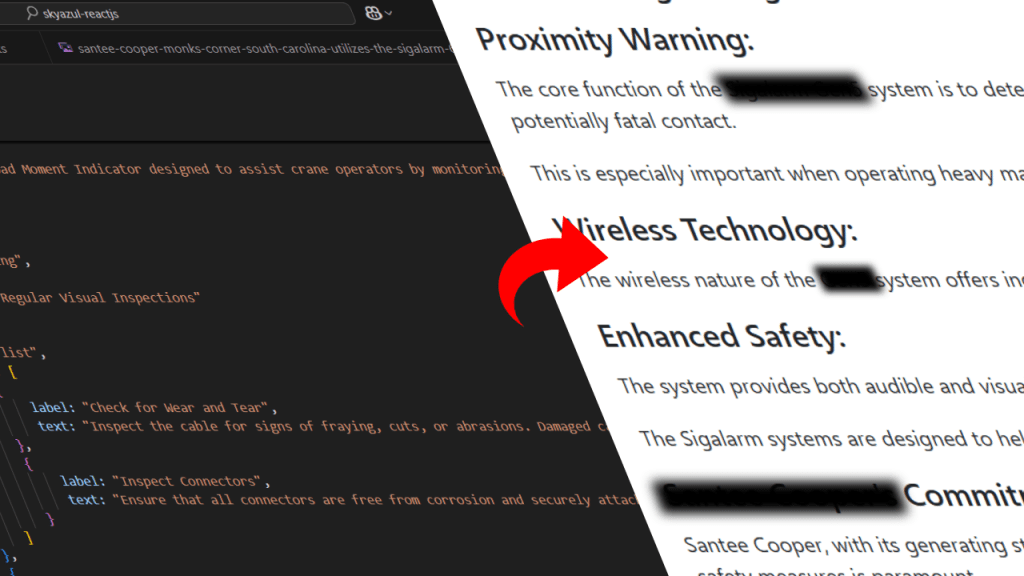
The aim was straightforward when we began developing the blog area of our React project: show a list of blogs and reveal the blog specifics by clicking on a blog. Like most programmers, we started with a static blogs.ts file full of blog objects, each with rich material and metadata in a systematic manner.
What first appeared to be a simple and fast job quickly turned into a maintainability, scalability, and code organization nightmare. This paper describes the architectural choices we took to address the difficulty and how we approached it.
The Initial Setup: One File to Rule Them All
In the beginning, we had a single file called blogs.ts that looked something like this:
export const blogs = [
  {
    id: 1,
    slug: "operator-training",
    title: "Operator Training",
    coverImage: "training.jpg",
    publishedAt: "2025-04-10",
    content: [
      {
        type: "paragraph",
        parts: [
          { type: "text", text: "This blog is about..." }
        ]
      },
      {
        type: "heading",
        level: 2,
        text: "Introduction"
      },
      ...
    ]
  }
];
The content area was adaptable; all defined using rich object structures, it may contain paragraphs, links, headings, and lists. This facilitated the frontend rendering of semantically relevant parts.
Up to now, so good.
What Went Wrong: The Scalability Bottleneck
With thousands of lines, blogs.ts grew into a huge, unmanageable file as we included more blogs. Every blog’s thorough material was directly placed in this file; any minor typo or syntax mistake would cause the app to crash or the build to fail.
Challenges we encountered:
Editing or adding a new blog involved scrolling continuously through a massive file, which was a maintainability nightmare.
High merge conflicts: On a team, several devs modifying the same blog would have caused regular Git disputes.
Slow linting and build times: The TypeScript compiler was hindered by this file’s deep nesting and size.
Bad modularity: We couldn’t consider blogs as separate entities; they were only entries in a monolithic array.
We came to the conclusion that we wanted a better framework — one that adhered to React’s ideas of modularity, separation of concerns, and scalability.
Proposed Solution: Split Blogs Into Individual Files
We decided to move each blog into its own file and export it as a module. For example:
├── index.ts
├── blog-pat.ts
├── blog-operator-checklist.ts
├── blog-safety-tips.ts
Each of these files would export a single blog object:
// blog-pat-ds350.ts
const blogPatDs350 = {
  id: 1,
  slug: "operator-training",
  title: "Operator Training",
  coverImage: "training.jpg",
  publishedAt: "2025-04-10",
  ...
};

export default blogPatDs350;
Then index.ts would collect and export them all:
import blogPatDs350 from "./blog-pat-ds350";
import blogOperatorChecklist from "./blog-operator-checklist";

export const blogs = [blogPatDs350, blogOperatorChecklist];
Advantages of This Framework
1. Division of Interests
Every blog was now its own document. People who wished to work just on one blog did not have to interact with the others.
2. Lessened Git Conflicts
Merge conflicts fell significantly since several developers were modifying various files.
3. Neater Pull Requests
Reviewing modifications on a per-blog basis became simple rather than going through one large PR.
4. Improved Scalability
We could now create tools from templates to automatically produce fresh blog files. It became predictable to add a new blog.
5. Component-Friendly Material
We kept complete control over rendering logic on the frontend since the material was still structured rather than just Markdown or HTML strings.
Rendering Logic in React: Still a Win
Because each blog’s content was structured as arrays of objects (paragraphs, links, headings, lists, etc.), we could still use the same renderContent() function in BlogDetail.jsx:
const renderContent = (content) => {
  return content.map((block) => {
    switch (block.type) {
      case "paragraph":
        return <p>{...}</p>;
      case "heading":
        return <h2>{...}</h2>;
      case "list":
        return <ul>{...}</ul>;
      ...
    }
  });
};
This structure allowed us to apply rich layouts and conditional logic while keeping the content clean and easy to reason about.
Further Optimizations We Considered
We also explored:
- Dynamic imports using
import()for blog content to improve performance on initial load. - Supporting image rows and other custom types by adding new
block.typecases. - Adding a schema generator (
ld+json) in<Helmet>dynamically for each blog post for SEO enhancement.
Conclusion: Structure is Everything
What began as a straightforward list of blog items evolved into a practical lesson on software scalability, modularity, and structure.
Our codebase became clearer, team collaboration improved, and our system became much more scalable for the future as a result of organizing our blog content into distinct files for each article.
Modularizing your content from the start is something I highly advise if you’re creating a bespoke blog using React or any other frontend framework. Later, you’ll thank yourself.
 Ayush Raj
Leave a comment